


Subscriptions Report
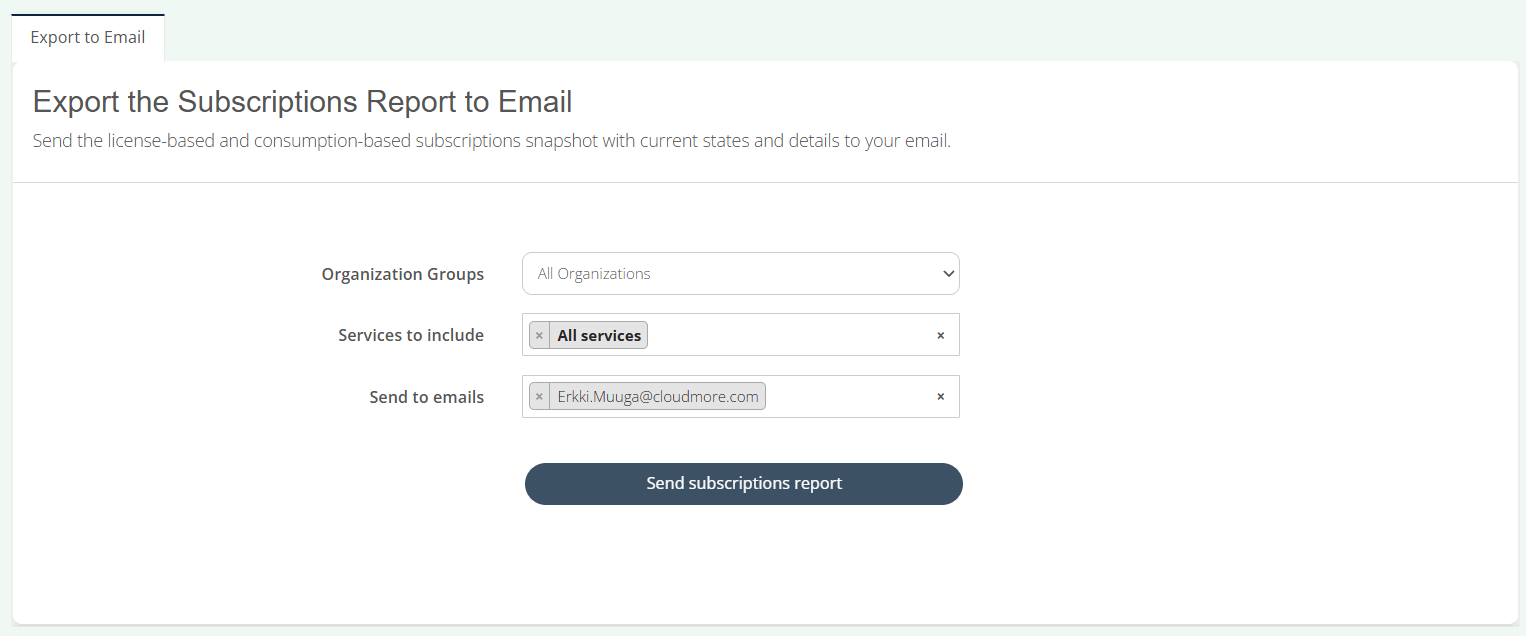
The new Subscriptions Report allows you to export all subscriptions from all services as a Excel file with unified fields across all services.
You can easily select any number of services, including consumption services like Azure. Include all customers or specific organization groups.
If you opt to send the report to Key Account Managers as well, they will receive their version of the report, with only the subscriptions from Organizations assigned to them. Same thing for Sales Agents.
Share this
Platform Update | May 2025

Platform Update | May 2025
May 31, 2025
3
min read
Platform Update | April 2026
Platform Update | April 2026
April 30, 2026
2
min read
Platform Update | March 2026
Platform Update | March 2026
March 31, 2026
2
min read